Enrich product data with your product image.
Full Vision combines your main image with existing product information such as title, description, price, brand and GTIN. For example, Nifelo can also include information visible on the product image to supplement missing properties and improve product titles and descriptions.
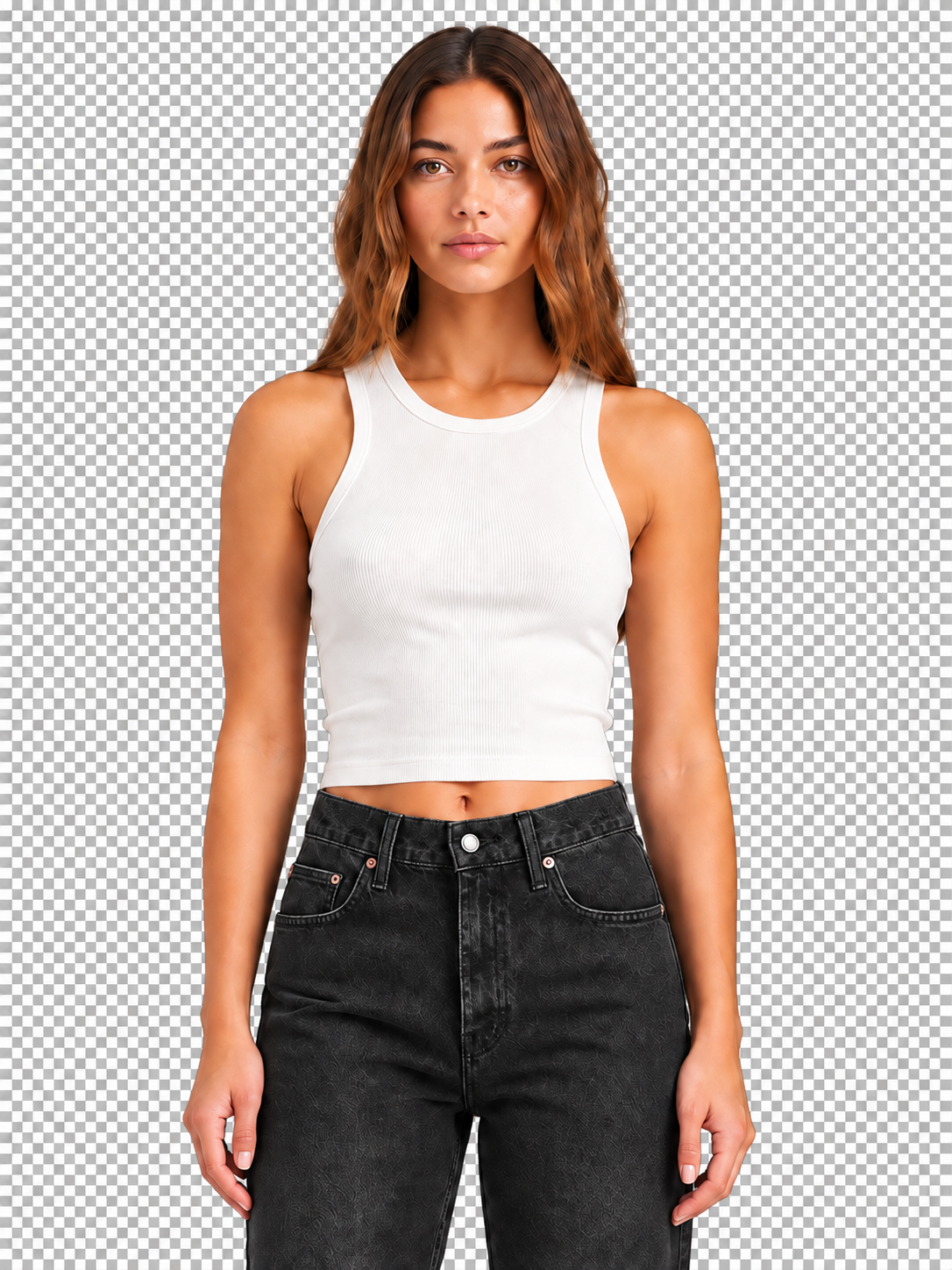 Main image active
This is an explainable example of the processing. The actual outcome depends on the available product data and what is usefully visible in the main image.
Full Vision uses images and existing product context.
Nifelo uses the existing product data as context. When a suitable main image is available, it is included as an additional source of information in Full Vision.
Collect existing product data
Nifelo uses available data such as title, description, price, brand and GTIN to understand which product it concerns. The selected target language is also taken into account.
Analyze the main image
Full Vision analyzes the main image together with the available product information. This way, information visible on the image can also be included.
Supplement and improve product data
Missing supported properties can be supplemented. If title or description improvement is selected, these product texts will also be updated.
From visible properties to richer product texts.
Full Vision does not add random data. Results are processed in the product fields that Nifelo supports for AI enrichment, so that you can then simply use the improved data in your further product flow.
Missing features
For example, color, material or pattern when Nifelo can obtain sufficient information from the image and existing product data.
Only empty supported properties are completed.Product title
When title enhancement is enabled, Nifelo uses the available product data and image to create a more comprehensive product title.
The improved title is used as the product title.Product description
Nifelo can expand the product description with information from the existing product data and image.
It also makes plain text and bullets available for supported applications.Google product category
Nifelo can determine a suitable Google product category.
The category is only applied when it actually exists in the available Google taxonomy.You decide for which products Full Vision is used.
You enable AI per feed and choose whether all active products or only your own selection are eligible. You can also set a minimum price and separately determine whether additional credits can be used for AI enrichment.
No usable image? The enrichment can continue with product data.
Full Vision uses a reachable main image when available. If the image is not suitable or not accessible, Nifelo can fall back on text enrichment with the available product data.
One main image
Full Vision uses the main image of the product, not automatically a full image gallery.
Automatic text fallback
Without a usable main image, the action is performed as text enrichment and the corresponding rate of one credit applies.
The enrichment can continue
If the image cannot be used, the enrichment flow does not have to stop immediately.
Clear answers about Full Vision
What product information does Full Vision use?
The main image is combined with the feed's existing title, description, price, brand, GTIN, and target language.
What data can be updated?
Full Vision can complete supported missing product features, improve the chosen title and description, and link a Google product category when it is valid.
Are existing product properties overwritten?
No. Supported properties are only supplemented from this processing when the relevant product field is still empty. Title and description are updated when that text enhancement is started.
What happens if the product image cannot be used?
Nifelo can then carry out the enrichment based on the available product data without image analysis. In that case, text enrichment is used and the corresponding lower credit rate applies.
Does image analysis always give the same result?
No. The result depends on what is visible in the image and what product information is available. Not every property can be reliably derived from every product image.
Use Full Vision where images can really add something to your product data.
Choose the products, the enrichment level and the credits that Nifelo can use for your AI processing.


